I opened my hives to Alexa without giving the data away
Asking out loud how the bees are doing is convenient. But to answer, someone has to be able to read your hive's data: who, how much, for how long, and how you take it back. How I opened bjtOS to voice assistants without opening the database.
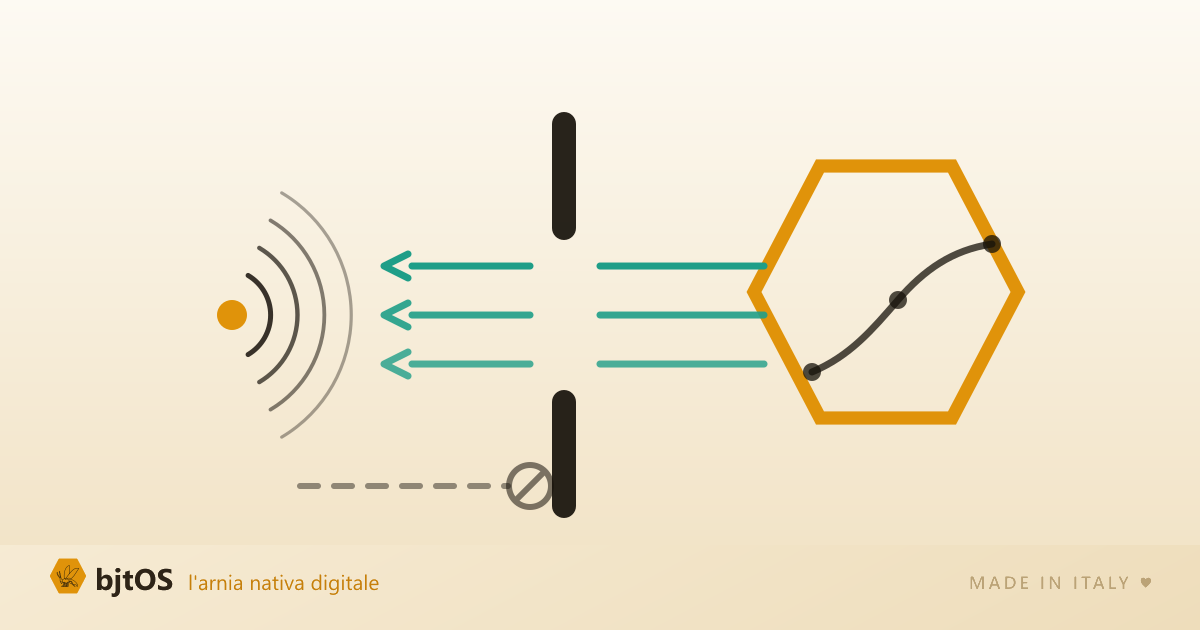
For a few weeks now I have been able to stand in the kitchen, say one sentence, and find out how the bees are doing: “Alexa, chiedi ad arnie digitali come stanno le arnie” (Alexa, ask arnie digitali how the hives are doing). It answers with the weight, the brood nest temperature, whether something is off. It names only the hives that have a problem, because being read a list of ten healthy hives out loud is the surest way to make a spoken answer useless.
That is the part you see, and it is the fun part. But the real work was all in a question that comes first, and one I think you should ask yourself every time you connect data of yours to somebody else’s service: for that assistant to be able to answer, someone has to be able to read my hives. Who, exactly? How much can they read? For how long? And how do I take it back, the day I change my mind?
This piece is about how I answered. It is not an article about Alexa: it is an article about what it means to open a door without handing over the house.
The wrong way, which is also the easiest
The quick way to make two systems talk is to give the second one the credentials of the first. A password, or a key that opens everything, pasted inside an external service. It works immediately, and from that moment on that service is you: it reads everything, writes everything, and to stop it you have to change the password, which means disconnecting everything else too.
The right way costs a few more days and it is called OAuth: it is the machinery behind the “sign in with” buttons you have been using for years without thinking about it. The point is that I chose to run it in house, rather than leaning on an outside identity provider. That means when you connect an assistant to your hives, the screen where you type your password is ours, on our domain, and your password never passes through Amazon or anyone else. Amazon only gets a limited permission, one that I wrote and that you can withdraw.
What the assistant actually sees
When you link the account, the consent screen does not show you technical jargon. It tells you, in plain English, what that app will be able to see:
- your apiaries;
- your hives and their status;
- the sensor readings (weight, temperature, humidity, battery);
- the open alarms.
And one line below, the thing that matters: read only, it will not be able to change anything, or add or remove hives. If you say no, you do not end up in a dead end: the app that asked is told about the refusal, as the protocol requires, instead of sitting there spinning.
”Read only” meant literally
Here I wanted something sturdier than a promise written in a privacy policy. Read only, in bjtOS, is enforced by three independent mechanisms, any one of which would be enough on its own:
- The permission itself. The pass the assistant receives lists what it is allowed to read, and it is checked on every request.
- The forced role. Anyone coming through that door is treated as a view-only guest, regardless of who you really are in your own account. Even if you were the owner of the apiary, the assistant speaking on your behalf is not.
- The door has no handle. In the public part of the system, only read operations exist. Any attempt to write something finds nothing to call and is rejected by the system itself.
Why three and not one? Because the realistic risk is not the brilliant attack, it is me being distracted six months from now: a function added in the wrong place, on a Friday evening. For a write to actually get through you would need three simultaneous mistakes, and that is a bar a slip does not clear.
For the same reason, today nothing can be commanded by voice. No “silence the alarm”, no “log the treatment”. It is not a feature I forgot: it is a door I decided not to open until I have seen enough real use to know it is worth the risk.
No fast lane
There is a shortcut I could have taken that would have stayed invisible for years: let the voice assistant read the data straight from the database, skipping the checks. Faster to write, and nobody would notice.
I did the opposite. The Alexa adapter and the one for AI assistants never touch the database: they call the exact same public door an outside integrator would use, and they go through the same checks, the same rate limit, the same log. They are customers of my API just as a stranger would be. The boundary that separates one beekeeper’s data from another’s, which in this system is enforced by the database itself and not by an if inside a program, remains the only boundary, and I did not step over it to save time. There is an automated test that checks precisely this, so the day somebody (me) is tempted by the shortcut, the build complains.
The button that cuts the cord
A permission you cannot take back is not a permission, it is a handover. In Setup, under Account, there is a list of connected apps with a button to disconnect them. One row, one click.
And there I wrote a sentence I could have made more reassuring and less true: when you disconnect, the app gets no new access, and whatever is already in flight runs out within a few minutes. It is not an instant cut, and it is only fair to say so. The reason is technical but worth explaining, because it is exactly the kind of detail services do not tell you: some assistants insist on a self-contained pass, one that verifies itself without asking my server for permission. A permission like that I cannot switch off remotely. The only honest countermeasure is to make it very short, and in fact it lasts a quarter of an hour instead of an hour. What stays immediate is cutting off an entire application: that check is mine, and I make it on every single request.
The door I closed before it was needed
There is one piece of work I am proud of that nobody will ever see, because it consists of something that does not happen.
The protocol I adopted allows, optionally, for anyone to register themselves as an application authorised to request access. Had I left that open, somebody could have registered an app called “bjtOS official” pointing at their own server: the consent screen, the one with my logo and my domain, would have been served by me. Perfectly credible and entirely fake. I shut it, along with the whole application management surface. The only apps that can be connected are the ones I register by hand, one at a time.
In the same category: the address Alexa sends its questions to is public, so anyone who knows it can knock. The only thing that tells Amazon apart from a passer-by is a cryptographic signature on every request, which I verify in full, certificate chain included. Whoever knocks without a signature gets a flat refusal and no explanation, which is of no use to someone trying to pass themselves off as Alexa.
Finally, every third party access ends up in a log: which app, which user, when, what kind of data it asked for, with what outcome. In the log I record the type of request, not the identifiers of your hives: a log is there to help you understand what is happening, not to become a second copy of the data.
What about theft alerts? No, and here is why
The question everybody asks me at this point: if Alexa can read the hives, will it warn me when somebody carries one off?
No. And the reason is almost comical: the only spontaneous spoken announcement Amazon grants a developer is muted from 22:00 to 07:00. Which is exactly the window when thefts happen. I could have built a fallback anyway, a yellow ring on the Echo and a generic “you have a new notification”, and called it a theft alert. I decided not to. A channel that presents itself as a theft alarm and does not wake you up teaches you to trust something that will not warn you: that is worse than not having it.
The alarm stays where it belongs, which is on the phone: push notification and Telegram, which at night reach you where you are and not a speaker in the living room. When a theft is at stake, promising less than you deliver is the only sensible rule.
Why I did not build “an Alexa project”
In 2023 Google shut down its third party voice apps, and everyone who had invested years in them was left with nothing. That precedent stayed on my desk the whole time.
So Alexa is not at the centre: at the centre there is a door with a public contract, a document that describes exactly what the system exposes and that anyone can read without asking my permission. Around it, the adapters for the individual platforms are thin and expendable: the one for Alexa, and the one that lets an AI assistant like Claude read the hives and reason about them. If one of those platforms shuts down tomorrow, I throw away a few days of work, not the heart of the system. And I have an anecdote that confirmed it: connecting the AI assistant turned up two flaws none of my tests had caught, among them two answers that contradicted each other on the number of open alarms. A wrong figure that looks like a figure is worse than an error, and I fixed both at the root.
In the end, “your data is yours” is a line everybody writes at the bottom of the page, and it can only be measured on boring things: what someone coming in can see, what they cannot do, how long the permission lasts, where the button to cut it is, and whether the person telling you about it also tells you the limits instead of just the reassurances.
If you have connected hives, or you are thinking about it, the question to ask whoever is selling them to you is always the same: how do I revoke access, and what exactly happens when I do? If the answer is vague, the answer is not the problem.
If you want to understand how the rest of the system works, I have written about how a smart hive works and how I made sure installing one does not take an engineer. The overview of the bjtOS technology is here.