I built it so you don't need an engineer to install it
The missing piece wasn't a sensor: it was making the smart hive something a beekeeper can switch on in the field, not a technician. Here's how I did it.
A few weeks ago I wrote that I had built the road before the sensors: the backbone the data travels along, from the field to the cloud, without getting lost. It was real, but it was mute. And above all, I was the only one who knew how to switch it on. Getting it running took typed commands, a configuration file, a cable and a bit of technician’s patience. That’s fine for a prototype on my bench. It’s not fine for a beekeeper standing in the middle of a meadow.
Because this is the point I brought into focus over these past weeks: the missing piece wasn’t only the sensor. It was making all of this installable by someone who keeps bees, not by someone who writes firmware. A beekeeper is out in the field, phone in their pocket, maybe gloves on, and they have (quite rightly) no desire to open a terminal. If switching on a smart hive takes an engineer making a house call, that smart hive doesn’t really exist.
What I built
I worked to make the first power-on feel like that of any ordinary consumer product. Three things, concretely.
The receiver arrives ready to go. It doesn’t come out “blank” and waiting to be configured: its identity and its credentials are assigned beforehand, upstream, when it’s being prepared. Whoever receives it doesn’t have to invent names, passwords or codes.
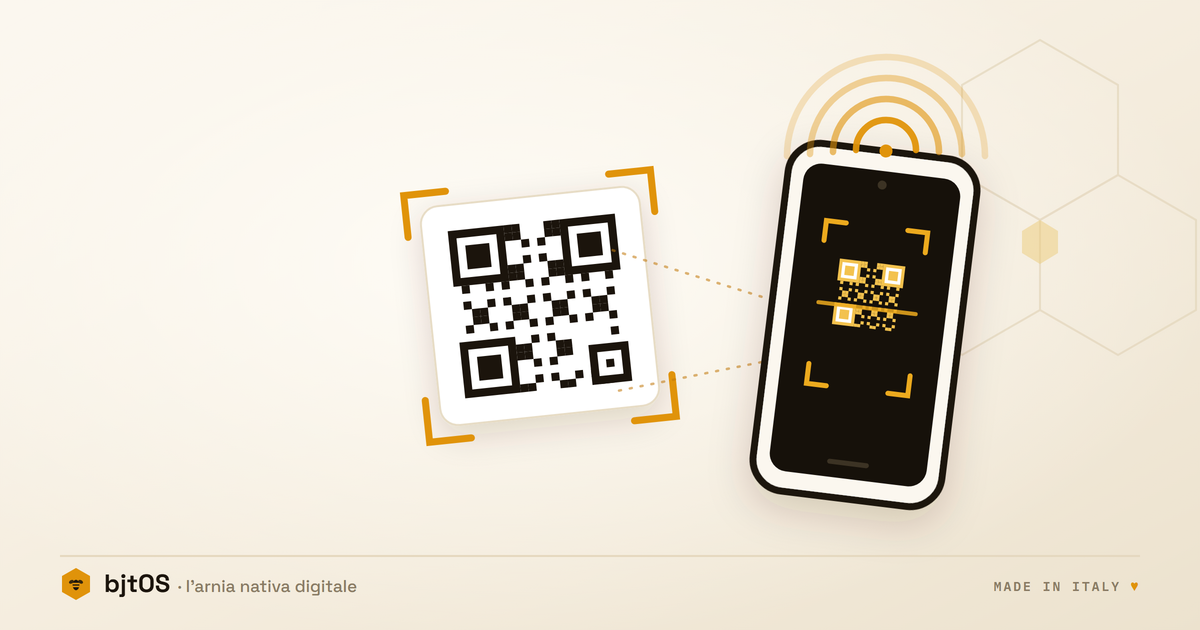
You claim it by scanning a code. On the box there’s a label with a QR and an activation code. You point your phone at it and that device becomes yours, tied to your account and no one else’s. Nothing to type, nothing to copy by hand.
Your phone walks you through it, step by step. The onboarding lives inside the app: a flow with a progress bar that tells you how far along you are, and that picks up where you left off if you close and reopen it. You connect the bridge to the WiFi network straight from your phone, you choose where the apiary is, you set up the hive. All from the palm of your hand.
And while you do it, the receiver isn’t a blind box: it has a small screen that tells you what’s happening, whether it’s online or not, whether it’s receiving or not. So if something doesn’t add up, you notice it on the spot, without plugging in a computer.
A note on security, because it matters
There’s an invisible detail I’m proud of. Each receiver doesn’t share a common password with the others: the moment you claim it, a credential all its own is created for it, and that credential can be revoked. If one day a device is decommissioned or changes hands, it disconnects without touching anything on the others. It’s the kind of thing nobody notices when it works, and that makes all the difference when a system grows.
From the QR to the data
I tested all of this end to end, starting from a device just as it would leave the factory: scan, claim, configure, and in a few minutes you’re in, with your apiary on the screen. From the QR to the data, with no technician in the middle.
I like that the most important part is also the least flashy. The first power-on seems like a detail, the thing to get out of the way quickly so you can reach the rest. Instead it’s where an object that will live for years out in a field, in the hands of someone who has other things to think about, lives or dies. It rests on what you don’t see.
If you build connected things, you know how deceptive this part is. And if you work with bees, the question is for you: how much would you be willing to fiddle with settings to fit a sensor onto your hive, and at what point would you say “forget it”? That’s the threshold I’m trying never to cross.